
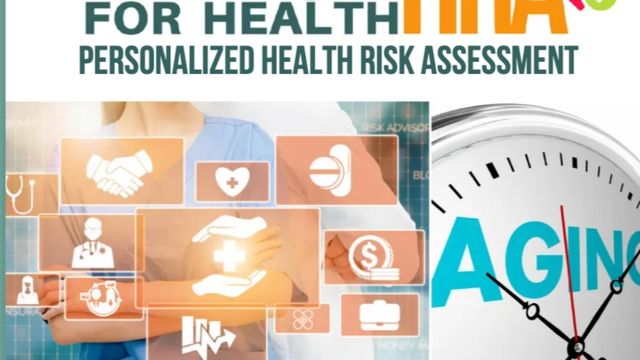
Personalized Health Risk Assessments, a tool that compares behavioral health risks target ages

Dr. Rob’s Video Transcript
If you’re going to be a digital health navigator, you ought to be healthy. And one way to be healthy is to understand your health risks and take a personal health risk assessment.
As part of this course, we’re providing that to you. You can access it from your main profile page and take it.
It’ll take you 15 to 20 minutes. Answer the questions and it will tell you things that you’re at risk for and things you can work on.
Basically, what behavioral changes can you make to improve your health. It will even give you an estimated age based on your answers and some of your risks.
Please take that tool and then put a plan in place to work on being as healthy as possible.
Inside of this Course for Health, there’s a whole virtual academy for learning about your health issues. Those are there for you to learn about your own health issues and then be able to use those to help your patients understand their issues.
But start with yourself and start out with your health risk assessment.
Health Care starts with Self Care
Learn It
Personalized Health Risk Assessments help users understand their current health status by comparing their behaviors to known risk factors for their age group. These tools identify potential concerns—such as nutrition, activity level, stress, or chronic disease risks—and provide actionable recommendations. Digital Navigators can guide users in interpreting their results, understanding what each risk means, and identifying practical steps to improve overall well-being.
Live It
Try completing a sample health risk assessment yourself. Notice how questions prompt reflection on habits, routines, stress, and long-term health behaviors. Review the recommendations and identify one change you could realistically make. This hands-on experience helps you understand how users might feel when reviewing personal health data and prepares you to guide them with empathy, clarity, and encouragement.
The HRA is listed in the menu in this program. Just click on it and take it.
Share It
Create a simple step-by-step guide titled “How to Use Your Health Risk Assessment Results.” Include tips such as selecting one goal at a time, tracking progress weekly, and discussing results with a healthcare provider. Share it with classmates or in your Force for Health feed. Encourage others to use assessments as a positive tool for awareness—not judgment—to build healthier habits over time.